
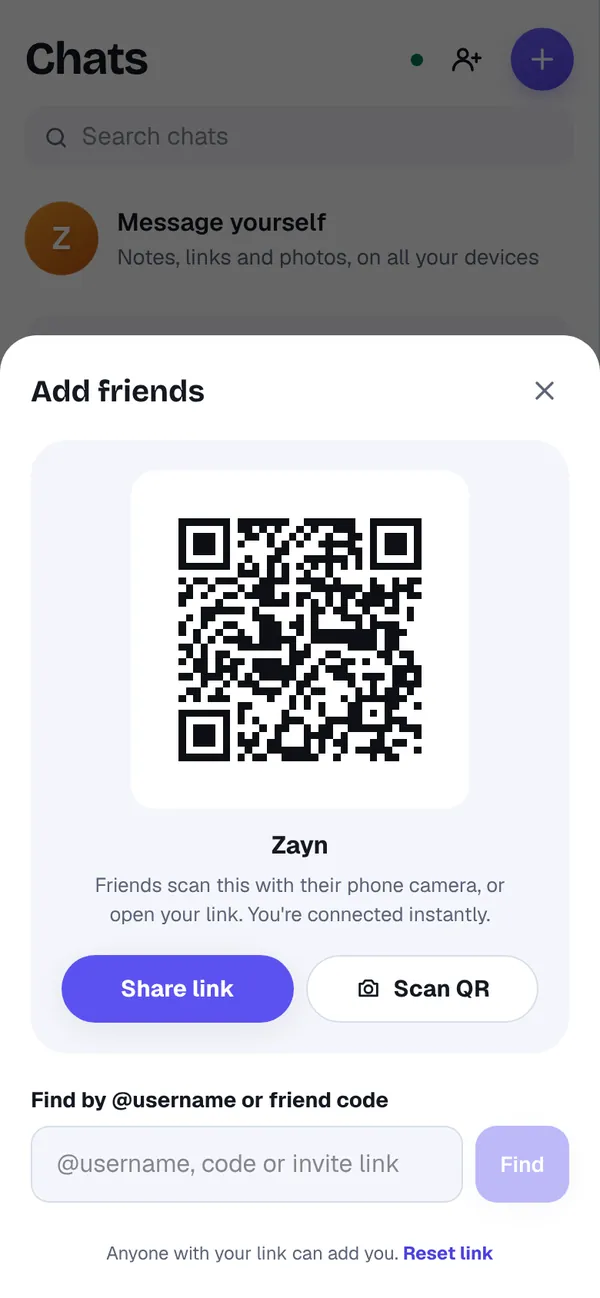
Add friends without giving out your number
Friends add you by scanning your QR code, opening your link or typing your @username. Nobody gets your number.
How to
- 1Tap the person-plus icon at the top of Chats
- 2Show your QR code or tap Share link
Most messengers ask for your number and share it with everyone you talk to. RChat doesn't. Pick a name, then add friends with your QR code, an invite link or your @username. Chats and calls are end-to-end encrypted, there are no ads, and you can lock any chat behind Face ID.
Friends add you by scanning your QR code, opening your link or typing your @username. Nobody gets your number.
How to
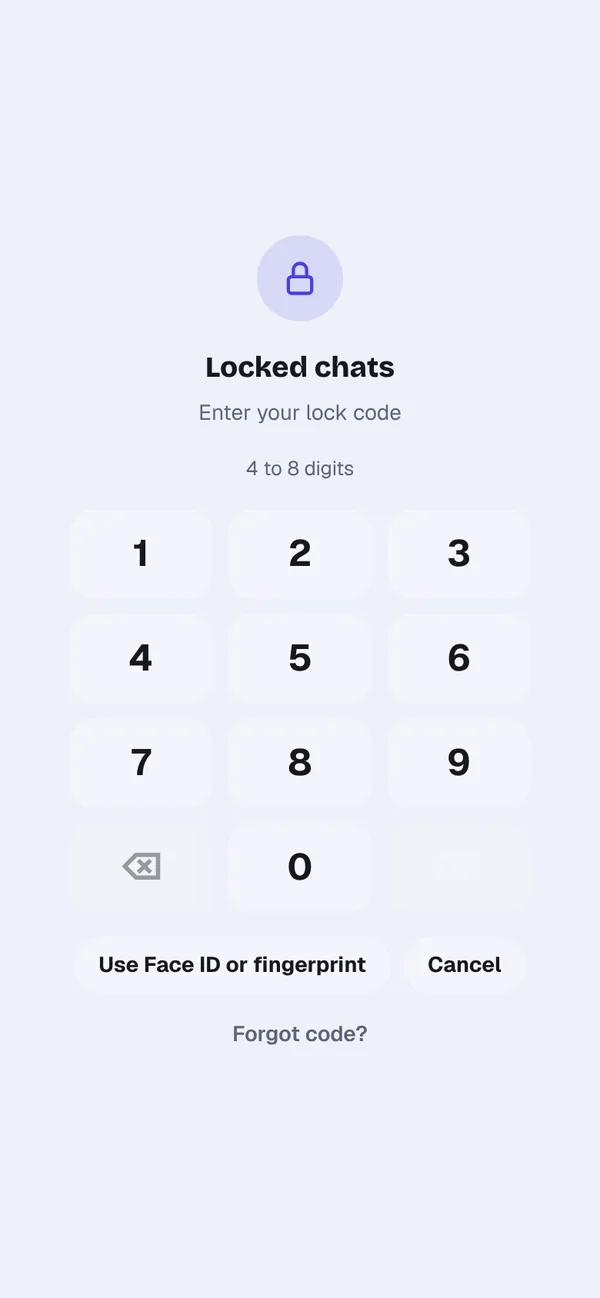
Lock any chat and it leaves your chat list. It opens only with your Face ID, fingerprint or code, and its notifications show no name and no text.
How to
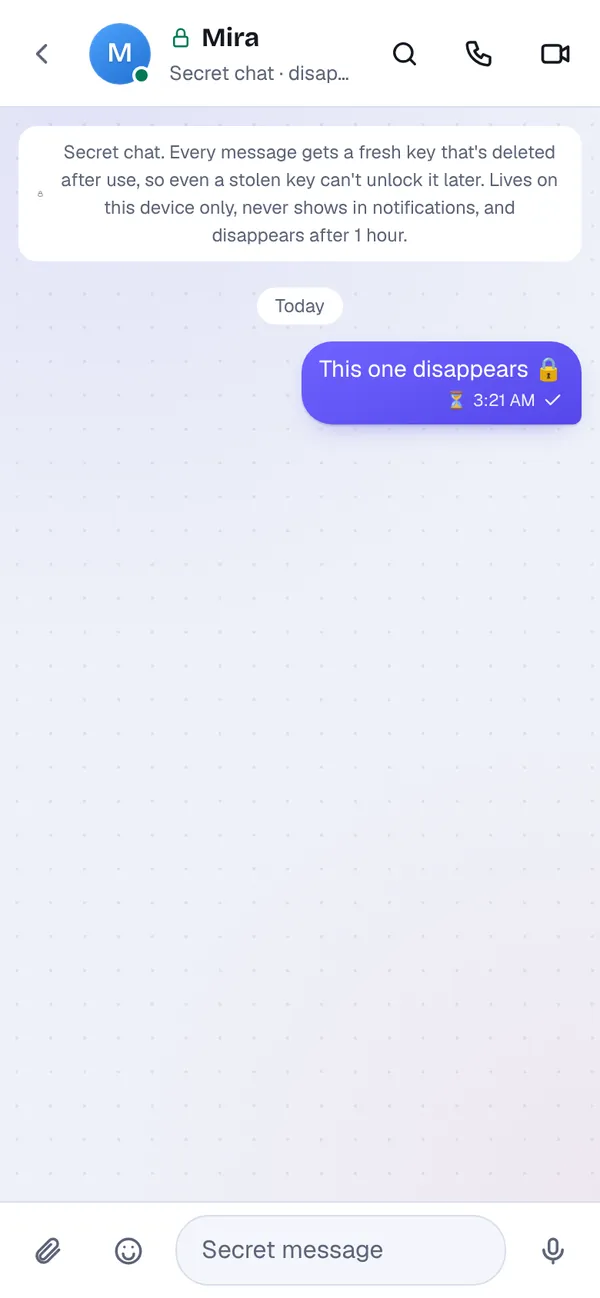
Every message gets a fresh key that's deleted after use. Messages disappear, and notifications never show what they say.
How to
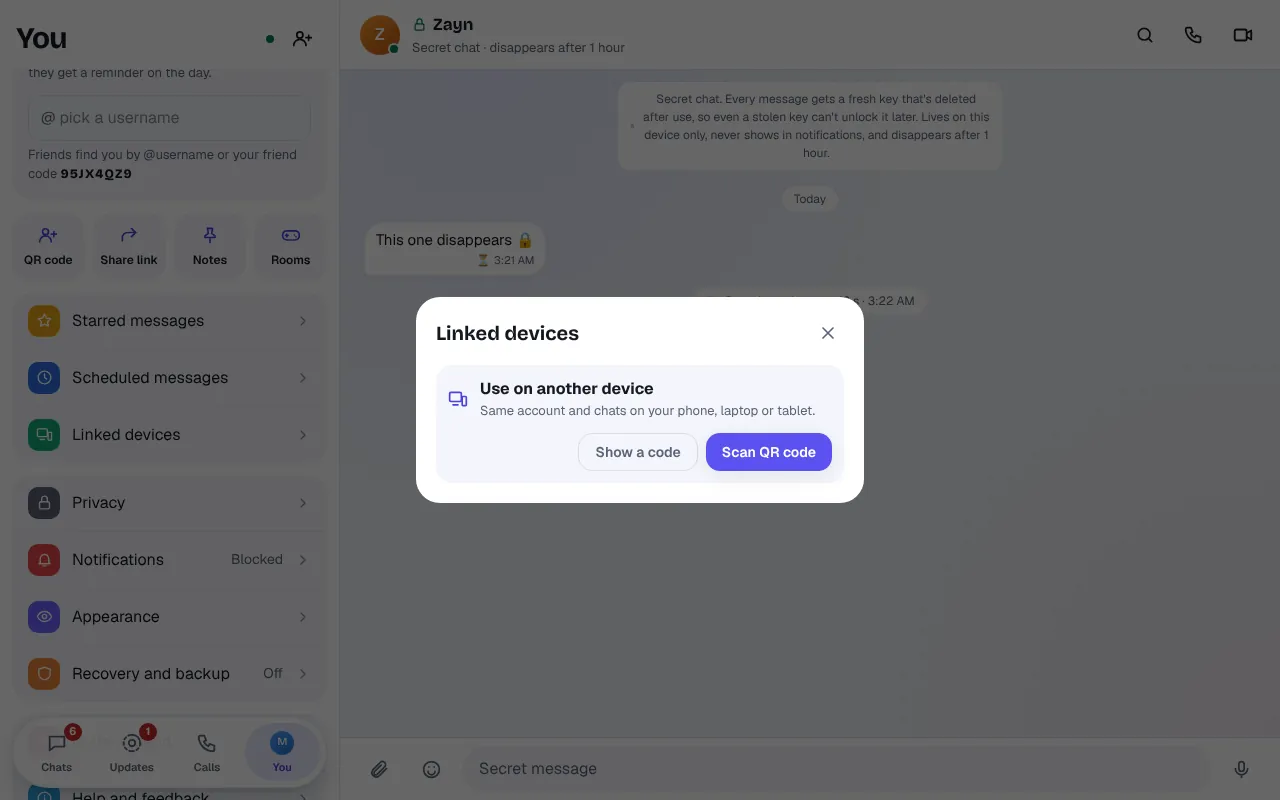
Use the same account on your phone, in a browser and on Windows or Mac.
How to
Pick a name, share your link, and you're chatting in under a minute. Free, with no phone number.