Turn yourself into a cartoon, free.

Take a selfie and RChat's Cartoon me turns your real face into a cartoon in seconds: 3D, anime, comic, painted or sketch. Use it as your profile picture, put it on a colour, and get a sticker pack of you to send in any chat. It's all made on your phone, so your photo is never uploaded anywhere.

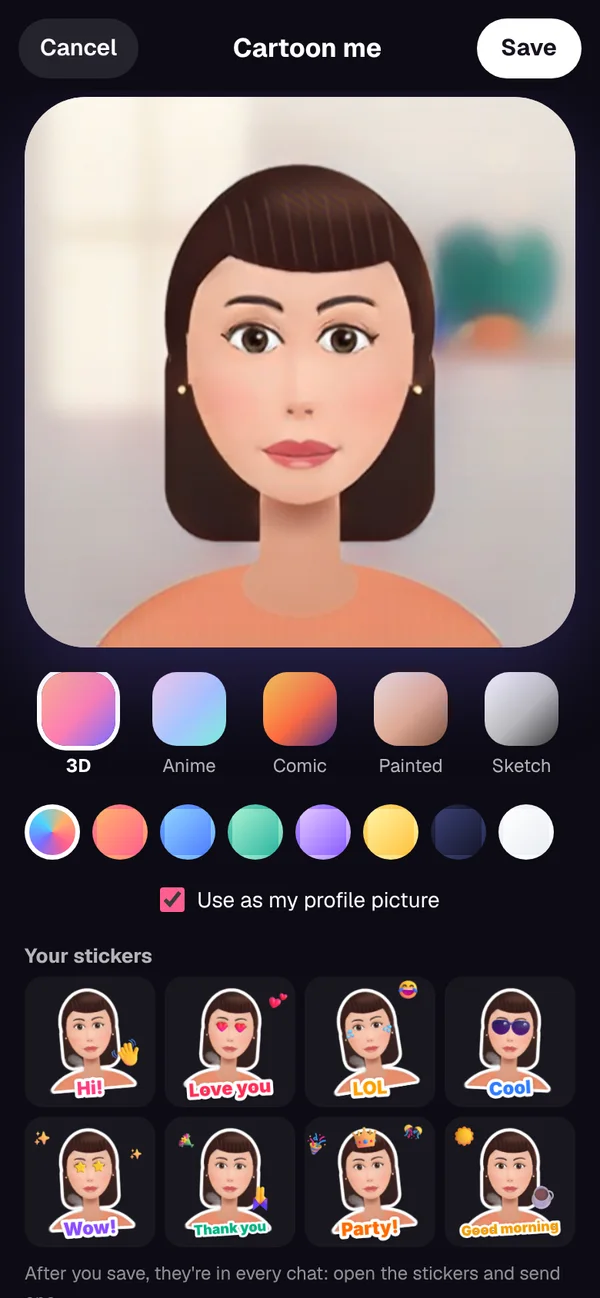
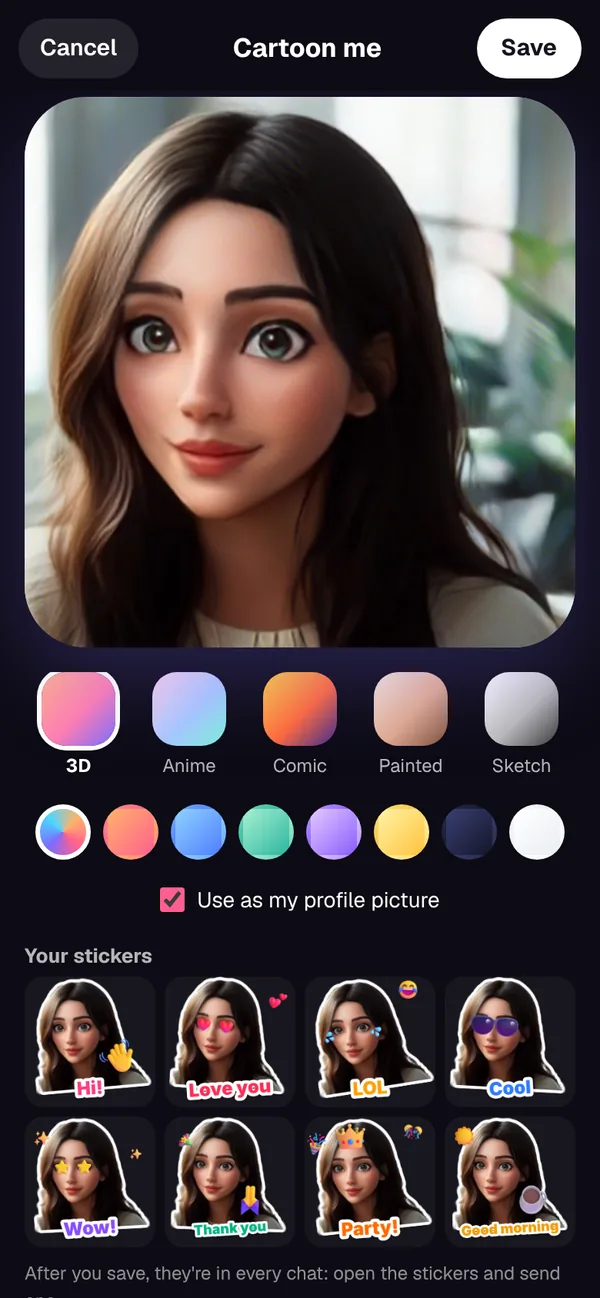
Cartoon me showing a selfie turned into a 3D cartoon, with stickers below

Cartoon me: you as a 3D cartoon

Five styles from one selfie: 3D, anime, comic, painted and sketch. Pick a background and save it as your picture.

How to

  1. 1Go to You and tap Cartoon me
  2. 2Put your face in the oval and tap the button (or choose a photo)
  3. 3Pick a style and a background, then tap Save
  4. 4In a chat, open the stickers to send one of you
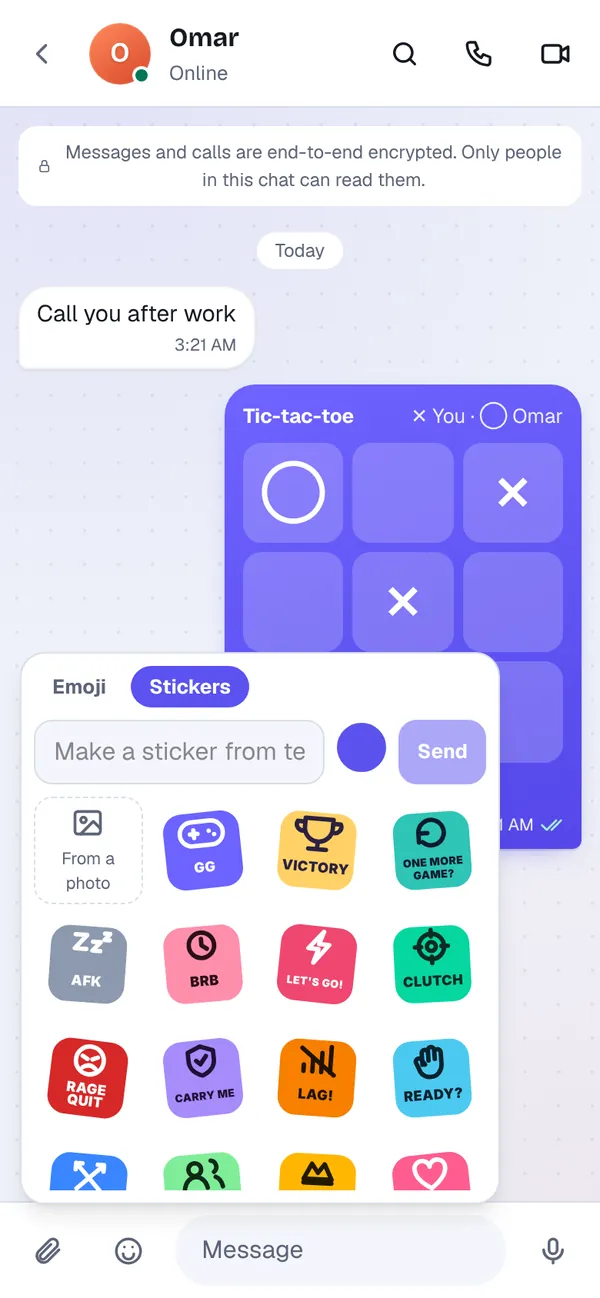
The sticker picker open in a chat

12 stickers of you

Your cartoon comes with stickers like Hi!, Love you, LOL, Cool and Good night, ready to send in any chat.

How to

  1. 1Tap the smiley face in a chat
  2. 2Switch to Stickers or GIFs
  3. 3Tap one to send it
The camera showing a face drawn as a cartoon, with the Cartoon filter picked

Live cartoon and comic filters

Turn the live camera into a cartoon, a comic book page, a pencil sketch or a watercolour. It moves with you, in photos and videos.

How to

  1. 1Open the camera and tap Beauty
  2. 2Tap Filters
  3. 3Pick Cartoon, Comic, Sketch, Watercolour, Neon lines, 8-bit or Antique
  4. 4Slide to set how strong it is
The photo editor with a portrait repainted in the Starry style

AI art from your photos

Repaint a photo as a starry night, an impressionist painting, stained glass or pop art. It runs on your phone and it's free.

How to

  1. 1Take or pick a photo
  2. 2In the editor, tap AI art
  3. 3Pick a style
  4. 4Slide Painting to choose how far it goes

Questions

Is my photo uploaded to make the cartoon?
No. Cartoon me runs on your own phone, so your photo never leaves it.
Which cartoon styles are there?
3D, anime, comic, painted and sketch. You can try them all and keep the one you like.
Is it free?
Yes. Cartoon me and the stickers of you are free, with no ads.
How do I send stickers of myself?
Make your cartoon under You, then Cartoon me. In any chat, tap the smiley, then Stickers, and send one of you.
Do I need a phone number?
No. Pick a name and you're in. Friends add you with your QR code, your invite link or your @username, so nobody gets your number.
Which devices does RChat work on?
iPhone and iPad, Android, any web browser at chat.ruqelo.online, and Windows and Mac. Use the same account on all of them: your chats follow you.

Try it with your friends.

Pick a name, share your link, and you're chatting in under a minute. Free, with no phone number.