Lock any chat. Hide it if you want.

In RChat any chat can be locked behind Face ID, your fingerprint or a code, and hidden from your chat list so nobody knows it's there. You can lock the whole app too. Notifications from locked chats never show who wrote.

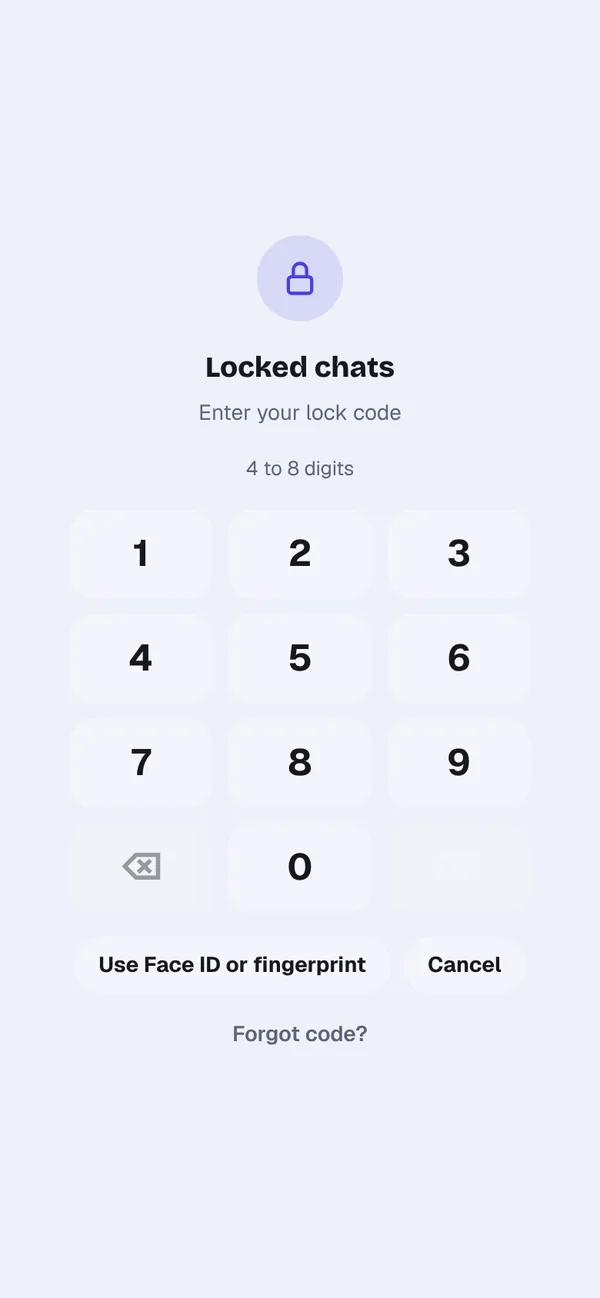
The Locked chats screen asking for a lock code, with a Use Face ID or fingerprint button

Locked chats

Open a chat, tap its name, then Lock this chat.

How to

  1. 1Open a chat and tap its name at the top
  2. 2Turn on Lock this chat and choose a code
  3. 3Switch on Face ID or fingerprint if you like
  4. 4Find it under Locked chats at the top of your chat list
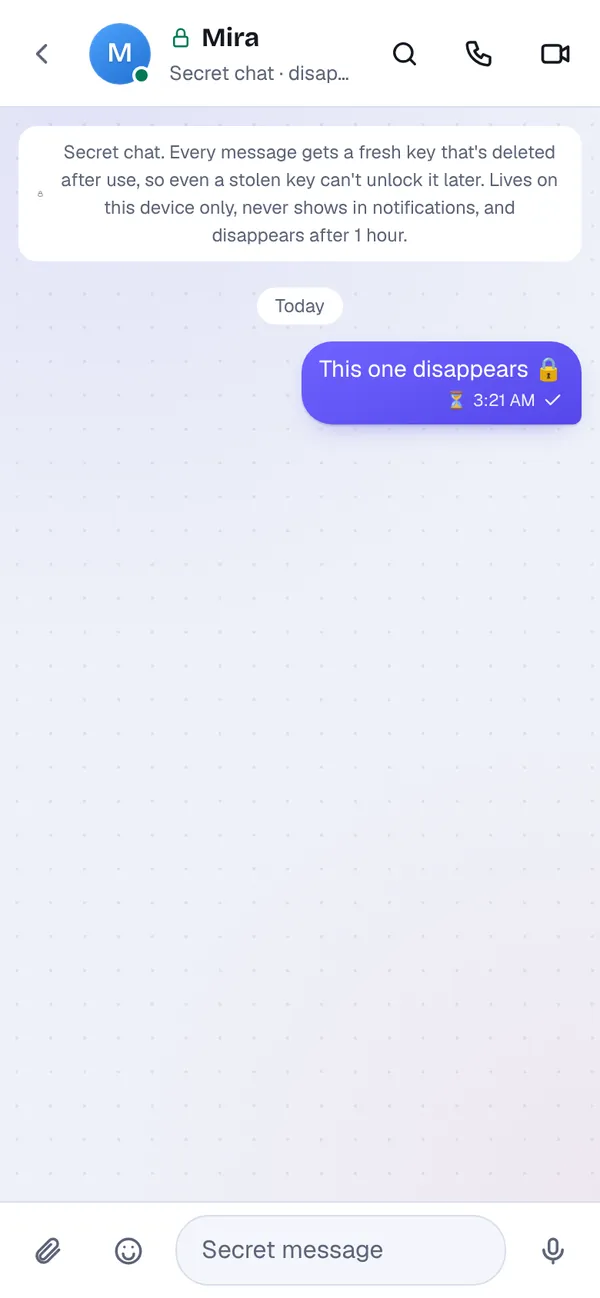
A secret chat with a lock next to the name

Secret chats

For the most private talks: messages stay on this device and disappear on a timer.

How to

  1. 1Open a chat and tap the name at the top
  2. 2Tap Start secret chat

Questions

Is RChat private?
Chats and calls are end-to-end encrypted, so only the people in them can read or hear them. Not even RChat can. There are no ads and no phone number to give out.
Is RChat free?
Yes. Chats, voice and video calls with up to 8 people, Cartoon me, lenses and stickers are free, with no ads. RChat Plus adds more big group call hours and more space for photos and videos.
Do I need a phone number?
No. Pick a name and you're in. Friends add you with your QR code, your invite link or your @username, so nobody gets your number.
Which devices does RChat work on?
iPhone and iPad, Android, any web browser at chat.ruqelo.online, and Windows and Mac. Use the same account on all of them: your chats follow you.

Try it with your friends.

Pick a name, share your link, and you're chatting in under a minute. Free, with no phone number.